

Get Started
Graphite's supplier management tool helps you onboard faster, cut time on risk reviews and streamline supplier validations. Save time and money.
How to Connect ChatGPT or Claude to Live Supplier Data via MCP
Business users are tired of navigating nested menus, exporting CSVs, and waiting for IT to build dashboards just to answer a simple business question. They want to talk to their data. Connecting LLMs like Claude or ChatGPT to your live supplier data is the final piece of the puzzle to unlocking "Conversational Procurement." By moving away from static reporting and toward live, agentic data access, procurement teams can reduce the time spent on data retrieval and analysis by up to 80%.
However, the "last mile" of this connection has historically been the hardest. Connecting an AI to your enterprise data has traditionally meant fragile, custom-built API integrations that break the moment your data schema changes. By using the Graphite Connect MCP Server, you bypass this complexity, establishing a persistent, secure, and standardized bridge between your AI "brain" and your supplier "memory."
The Technical Handshake: How Connections Work
The connection between an LLM and live supplier data is established via a client-server handshake that prioritizes data integrity and security. In this architecture, the Graphite MCP server serves as the "host" of your procurement logic. It does not simply "dump" your database into the AI; instead, it defines specific capabilities—known as "tools"—which are advertised to the LLM.
Step 1: Endpoint Authentication and Credential Generation
The process begins within your Graphite environment. You navigate to your integration settings to generate a secure MCP access token. Unlike traditional API keys that grant broad, unmonitored access, this credential is tied to your specific enterprise identity. This is the first layer of security, ensuring that the connection is authorized at the organizational level.
Step 2: Capability Advertisement
Once the AI client (such as Claude Desktop or a custom development agent) is configured with the Graphite server URL, the "handshake" occurs. The client asks the server: "What can you do?" The server replies with a JSON-based list of tools: search_vendors, check_tax_status, get_compliance_risk, and initiate_onboarding. This allows the AI to self-select the right tool based on the user's natural-language intent.
Step 3: Verified Execution
When you ask a question, the LLM determines which tool is required. It sends a structured request to the MCP server. The server executes the logic against your live Graphite data, validates that the user has the necessary permissions, and returns the answer to the AI. The AI then synthesizes that data into a human-readable response, complete with citations if enabled.
Driving Conversational Procurement
Once the connection is live, the paradigm of procurement work changes from "data manipulation" to "data conversation." Users no longer need to know where the data lives or how to filter a spreadsheet.
For example, a procurement manager can simply ask: "Which software vendors have pending security assessments or expiring SOC 2 reports?"
The agent identifies the get_compliance tool, executes it against the live Graphite database, and retrieves the specific list of non-compliant vendors. This eliminates the "dashboard fatigue" associated with traditional Graphite Connect supplier management and allows your team to focus on strategic sourcing rather than manual data entry.
Agentic Capabilities: Beyond Simple Q&A
Connecting your AI to live data isn't just about reading; it's about acting. Because the MCP connection supports bidirectional communication, you can empower your agents to perform "Write-Back" operations—provided they have the appropriate security permissions.
- Natural-Language Supplier Search: Query thousands of records instantly using semantic intent rather than strict keyword matching.
- Agentic Onboarding: An AI agent can identify missing documentation for a new vendor and automatically initiate the onboarding request to the supplier directly via Graphite.
- Validated Write-Back: With the proper permissions, your agent can update supplier records—such as refreshing an insurance certificate—and write that data back into Graphite as a validated record, ensuring your source of truth is always up to date.
Multi-Agent Compatibility Matrix
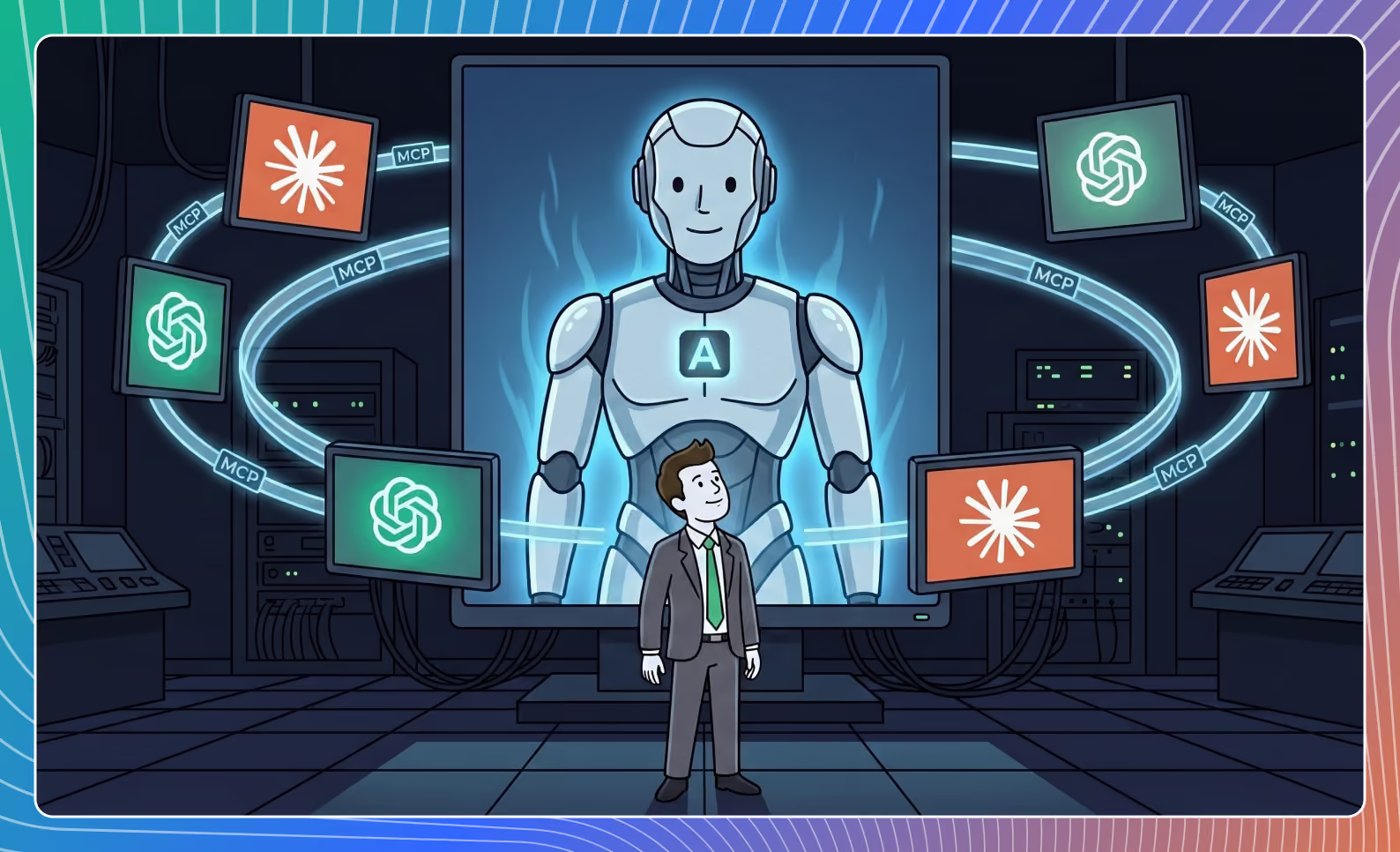
The power of an MCP-based architecture is that you aren't locked into a single AI provider. Because the Model Context Protocol is an open standard, the Graphite Connect MCP Server works across the leading ecosystem of AI tools.
.avif)
Enterprise-Grade Security by Design
Connecting an LLM to sensitive corporate data requires more than just a fast connection; it requires a fortress. Graphite’s MCP server is built with enterprise guardrails to ensure your data stays yours:
- No Training on Your Data: Your proprietary supplier records are never used to train the underlying models of Claude or ChatGPT.
- OAuth 2.0 & Scoped Permissions: You control exactly what data the agent can see and whether it has permission to "read only" or "write back."
- Comprehensive Audit Logs: Every query made by an AI agent is logged with a 7-year history, ensuring full transparency for compliance teams.
- Certifications: The infrastructure is backed by SOC 2 Type II and ISO 27001 certifications, ensuring that your AI integration meets the same rigorous standards as the rest of your procurement stack.
Frequently Asked Questions
Do I need a developer to set this up?
While the server-side infrastructure setup requires IT, the end-user connection is as simple as copying a connection string into a config file. Many organizations treat this like a standard API integration project.
Can I connect both ChatGPT and Claude simultaneously?
Yes. Because MCP is an open standard, you can use the same Graphite MCP server to power different agents across your organization, allowing different teams to use the AI tools that best fit their workflow.
What happens if a vendor record is updated in Graphite?
Because the agent queries live data via the MCP server, the AI always sees the most recent version of your supplier records. There is no "sync delay" as there would be with an exported CSV.
Ready to start?
The procurement landscape is changing too fast to be locked into a single vendor's closed AI ecosystem. By leveraging the Graphite MCP Server, you ensure that your procurement data remains accessible to whatever AI "brain" you choose to use today—or tomorrow. You can find the Graphite MCP Server in the official MCP registry and begin connecting your agents today.